Sniply

AI-Powered Screenshot Analysis for Windows

Download Now

Powerful Features

Screenshot Capture

Screenshot Capture

Press Ctrl+Q or click the capture button to instantly launch the snipping tool with a transparent overlay. Select any region of your screen with precision, or hold the capture button to capture the entire display. Every screenshot is automatically copied to your clipboard, making it effortless to paste and share anywhere. The intuitive interface ensures you capture exactly what you need, every time.

AI Analysis

AI Analysis

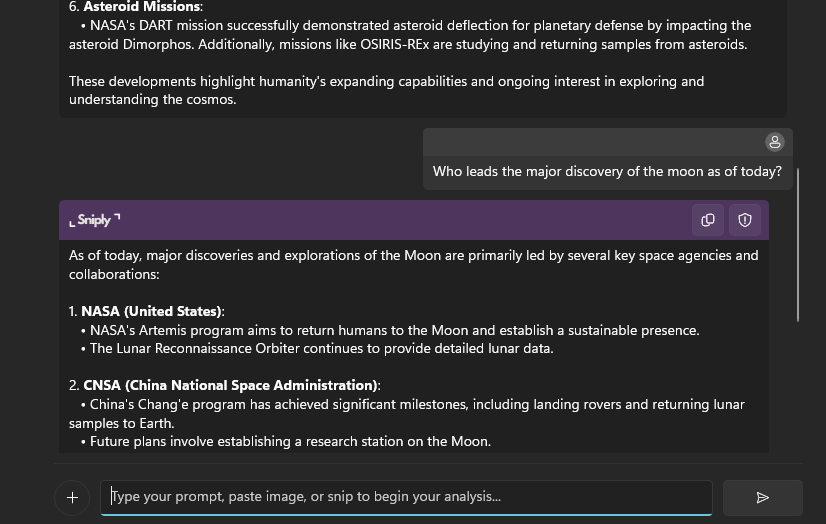
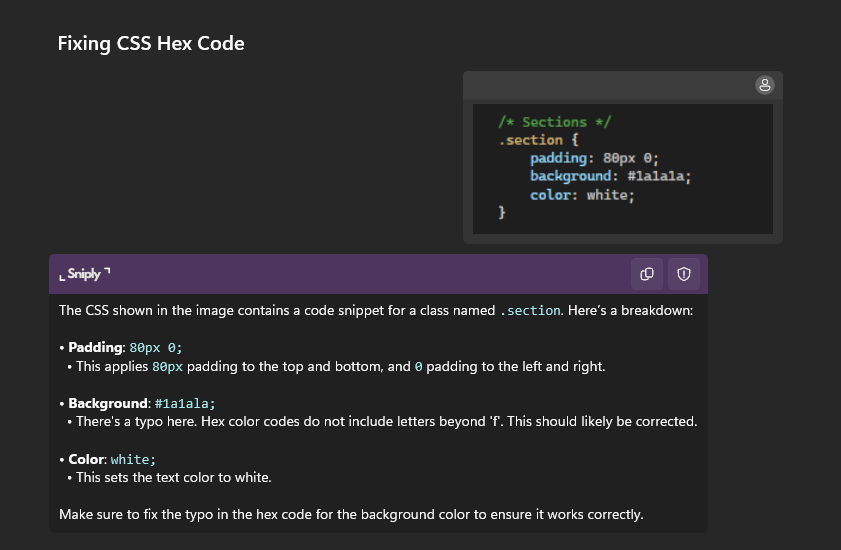
Powered by OpenAI's advanced models, Sniply analyzes your screenshots in real-time and provides intelligent insights. Watch as responses stream in with beautiful markdown formatting including code syntax highlighting, structured headers, bullet points, and tables. Whether you're debugging code, understanding diagrams, or extracting text, the AI delivers accurate and contextual analysis instantly.
Conversational Chat

Conversational Chat

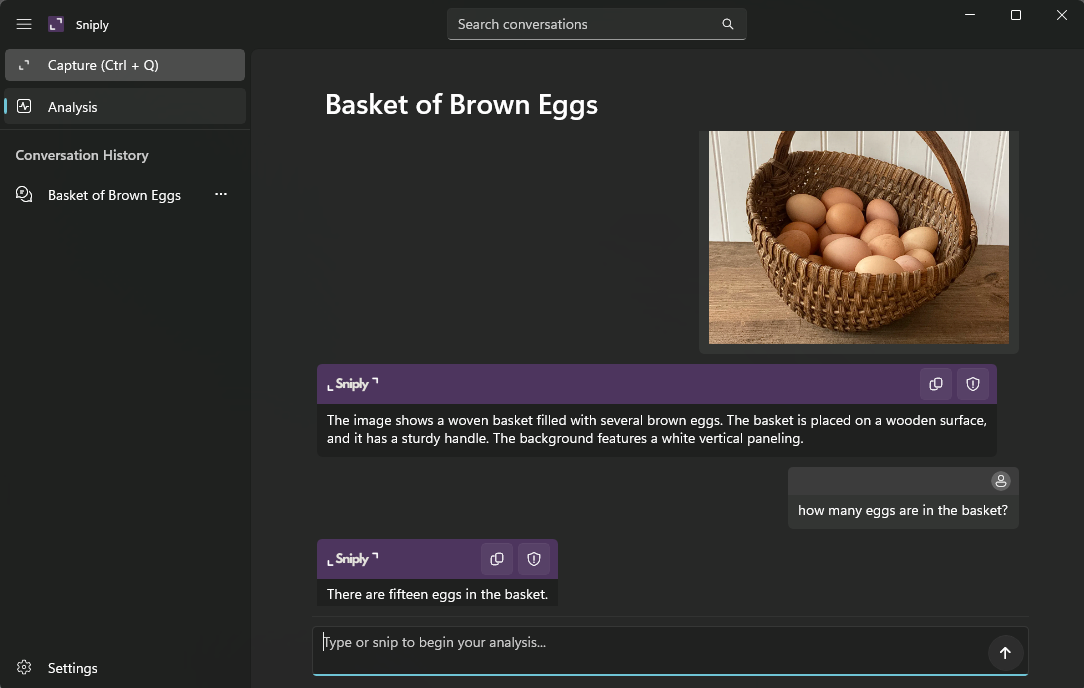
Don't stop at the first answer—dive deeper with follow-up questions. Sniply maintains full context of your conversation, allowing you to refine queries, ask for clarifications, or explore different aspects of your screenshot. Each chat session flows naturally, just like talking to an expert who remembers everything you've discussed. Perfect for complex analysis and iterative problem-solving.

History

Conversation History

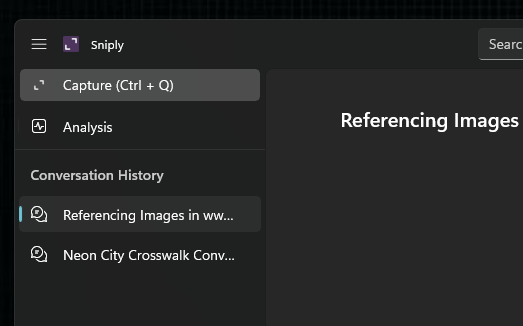
Never lose track of important insights. Sniply automatically saves every conversation with AI-generated titles that capture the essence of your discussion. Browse through your history, search for specific topics, and instantly revisit past analyses. Organize your knowledge base effortlessly—whether it's from yesterday or last month, your insights are always just a click away.